

Which 718 would you like to configure?

Filter
We can't find a suitable Porsche that fits your search criteria.
To find your ideal Porsche, we recommend resetting your selection.
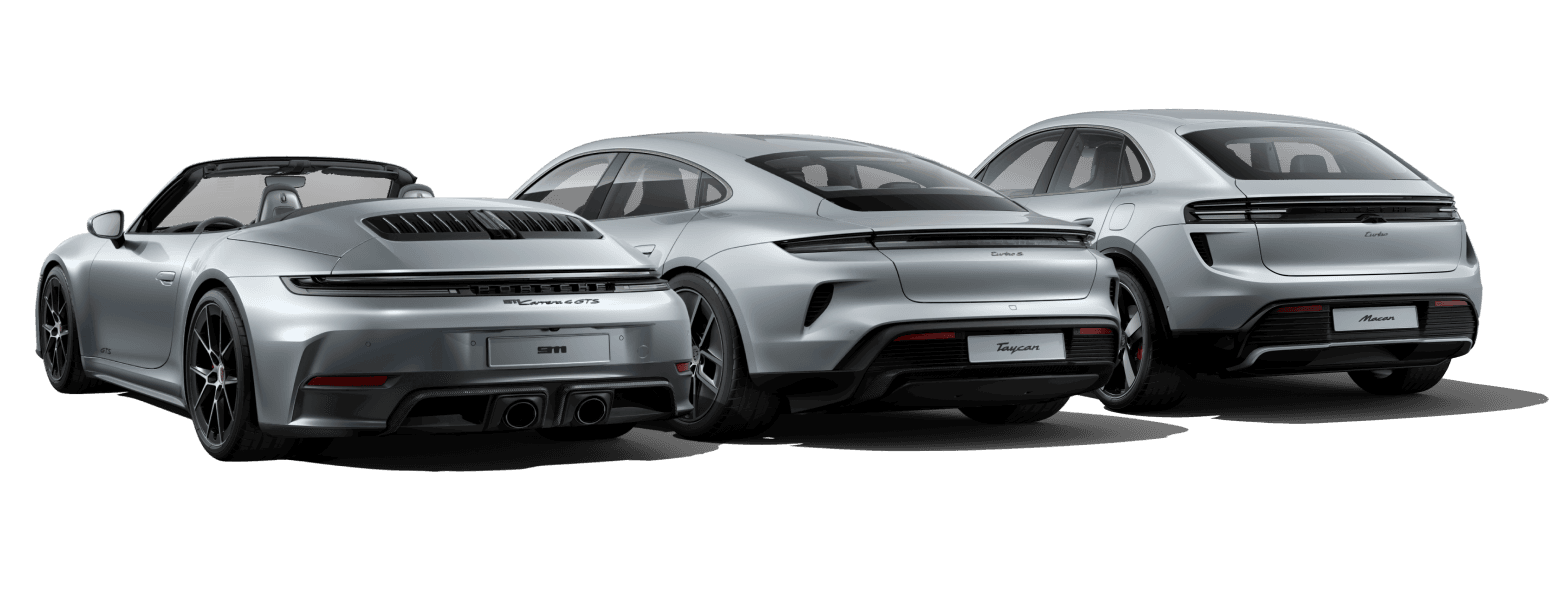

Body types
Model designations

At Porsche, S stands for “Sport”: a more powerful version which, in addition to the extra sporty engine, also includes improvements in equipment compared to the basic model.

At Porsche, the abbreviation GTS stands for 'Grand Touring Sport', distinctive design elements, and a sporty standard specification. High-performance engines and chassis systems consistently designed for performance offer that extra dose of sportiness while maintaining strong everyday usability and long-distance comfort.

GT stands for 'Grand Touring' and, in the extremely sporty GT models, refers to the GT classes in motorsport. Built for motorsport, approved for the road. Today, at Porsche, GT not only stands for motorsport, but also designates the sportiest flagship models of the Cayenne and the Taycan.

RS designates the GT models offering the maximum possible with road approval. More motorsport feeling for the road is not possible.
You already have a configuration?
Would you like to transfer your configuration?
If you choose a new model within the same model series, most of the equipment in your current configuration can be transferred to the new model. In some cases, equipment is only available for certain models and may therefore not be adopted for the new model.
Continue configuration?
We've saved your last configuration. Would you like to continue? Starting a new configuration will overwrite your current configuration.